Creating your own videos can be exciting, whether you’re making a YouTube vlog, a TikTok reel, or capturing family memories. But if you’re new to video editing, the sheer number of software options can feel overwhelming. Don’t worry—this guide will walk you through the basics and help you find the right tools to get started.
Why Video Editing Software Matters
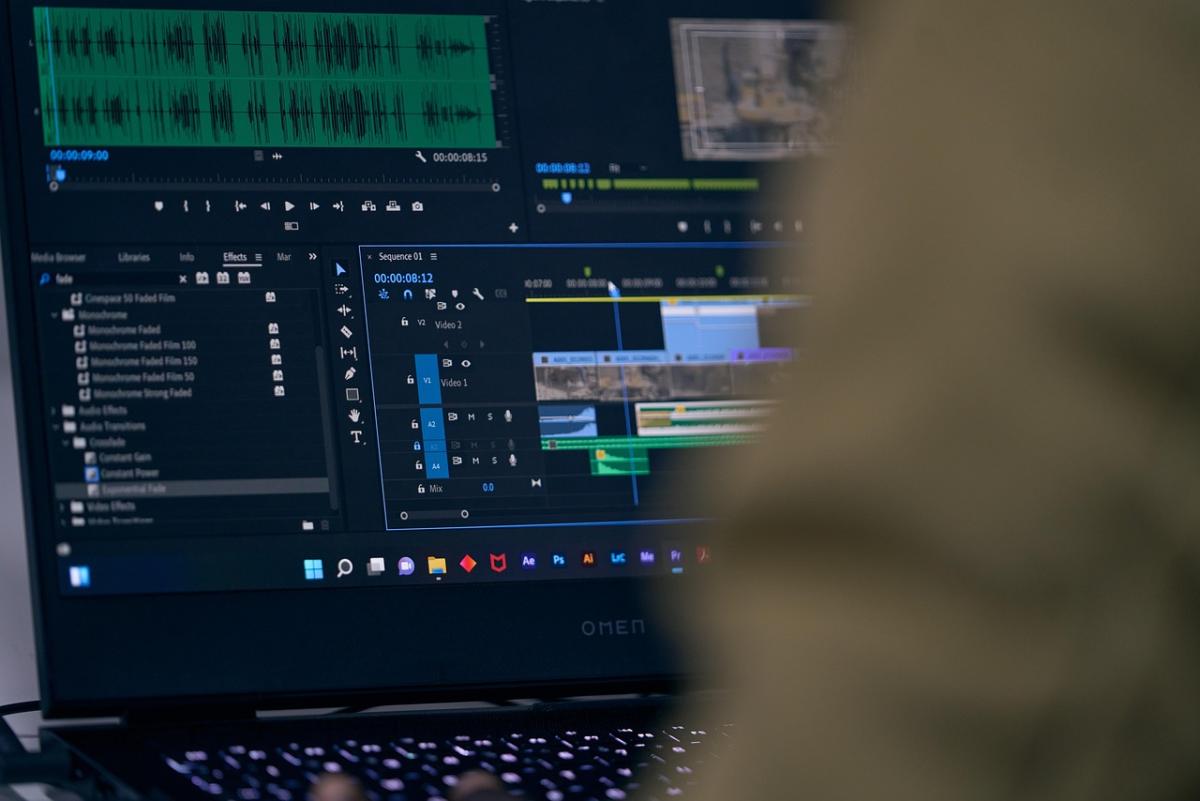
Video editing software lets you trim clips, add music, and create smooth transitions to tell your story the way you envision it. Even simple edits—like cutting out awkward pauses or adjusting brightness—can turn a basic recording into a polished piece.
Key Features to Look For
When choosing beginner-friendly software, keep an eye out for:
-
Ease of Use: A clean, intuitive interface saves you frustration.
-
Basic Editing Tools: Cutting, trimming, and simple transitions are essential.
-
Built-in Effects and Music: Preloaded templates, filters, and royalty-free music can make your videos pop.
-
Export Options: The ability to save in different formats and resolutions is handy if you’re posting to social media.
Great Options for Beginners
Here are a few popular choices that strike a balance between simplicity and power:
iMovie (Mac & iOS)
Free for Apple users, iMovie is a fantastic starting point. It offers drag-and-drop editing, ready-made themes, and easy sharing to platforms like YouTube.
DaVinci Resolve (Windows, Mac, Linux)
While DaVinci Resolve is famous for professional color grading, its free version also provides straightforward editing tools. It might look complex at first, but plenty of beginner tutorials can help.
Shotcut (Windows, Mac, Linux)
This open-source software is completely free and surprisingly versatile. The interface is simple enough for novices while offering room to grow.
Adobe Premiere Rush (Cross-Platform)
Designed for quick editing and social sharing, Premiere Rush offers an easy learning curve with drag-and-drop features and cloud syncing across devices.
Tips for Your First Project
-
Start Small: Practice with short clips before tackling a big project.
-
Learn Shortcuts: Keyboard shortcuts can save loads of time.
-
Keep It Simple: Focus on clean cuts and clear audio rather than fancy effects.
-
Experiment: Don’t be afraid to play around—you learn best by doing.
Wrapping Up
You don’t need to be a tech wizard to create engaging videos. With beginner-friendly software and a bit of practice, you’ll be turning raw footage into shareable stories in no time. Grab your camera (or smartphone), pick a tool that feels right, and start editing!
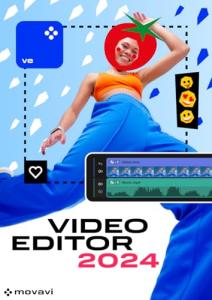
Movavi Video Editor - 1-Year License | Personal | 1 Device | PC | PC Activation Code by email
Product information
$54.98
Product Review Score
4.52 out of 5 stars
195 reviews